Orkhan DesignArt

Hermes Cloud

An admin panel for an always-on AI agent. Chat with it on the web, in Telegram or through the API.

Client
Nous Research
My role
Product Designer, Product design, Design system
Year
2026
Discipline
Product Design, AI / ML Interfaces, Design Systems, Mobile
With
Leigh Taylor (Nous visual language and initial Portal concept)
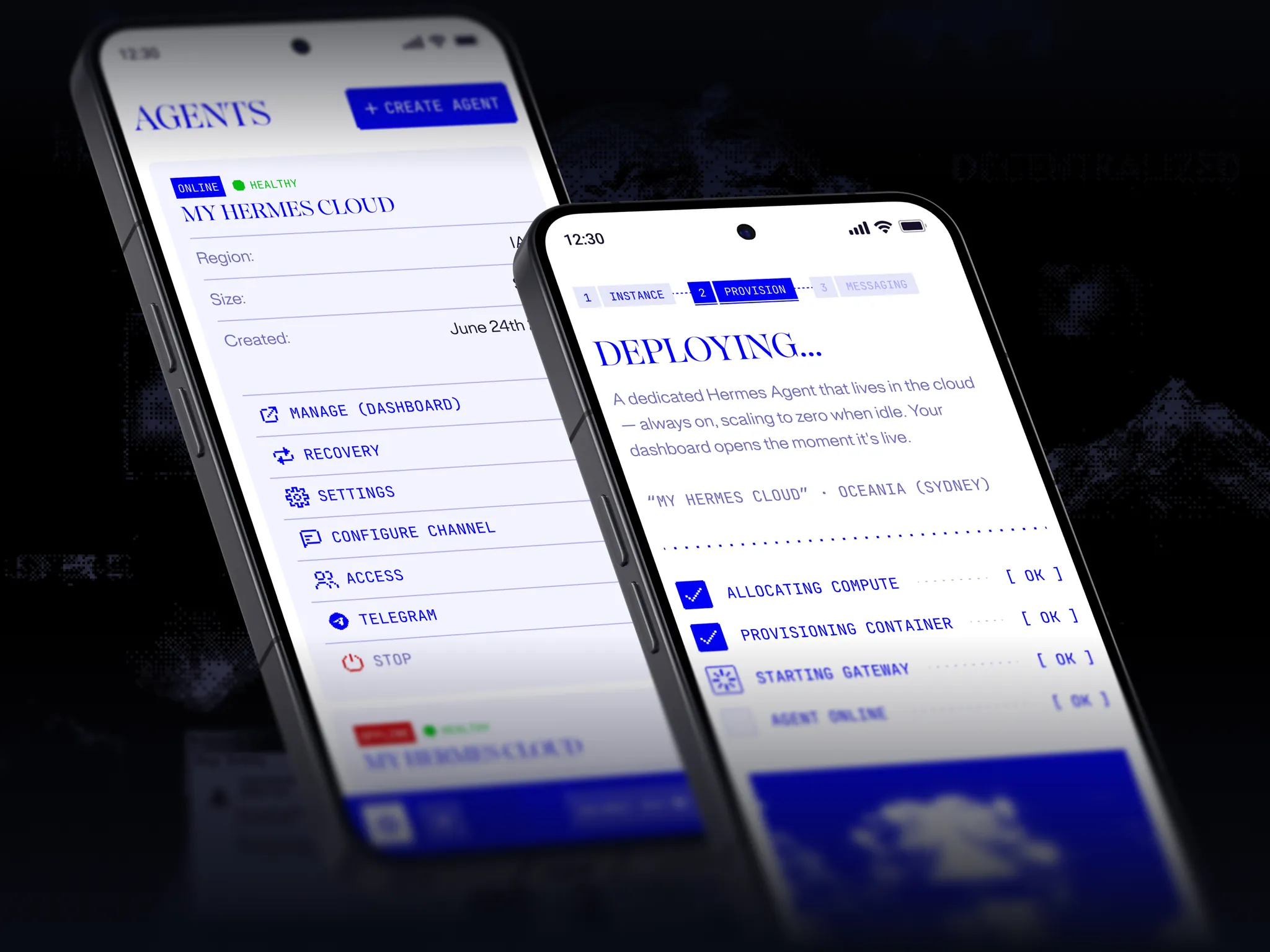
Hermes Cloud on two phones: the Agents list with an online Hermes Cloud instance, and the Deploying screen stepping through compute, container, gateway and agent online

The problem

Hermes Agent is an open-source agent that remembers what it learns, and Hermes Cloud keeps it running. One Nous account had to cover agents, credits, API keys and pricing for hundreds of models. Leigh Taylor set the visual language and the first Portal concept, and I designed the product from there.

Goal

An admin panel for AI agents that is easy to use every day and keeps the Nous brand strong.

Solution

1. A clear structure, planned with mind maps and user tests. 2. One sidebar in three groups: agents, account and resources, with your balance always in view. 3. Deploy an agent in three steps, then chat with it in Telegram or on the web. 4. Mobile layouts for agents, deploy, usage and pricing.

Usage

Cost, requests and tokens, over time and per model.
Spend, requests and tokens over time
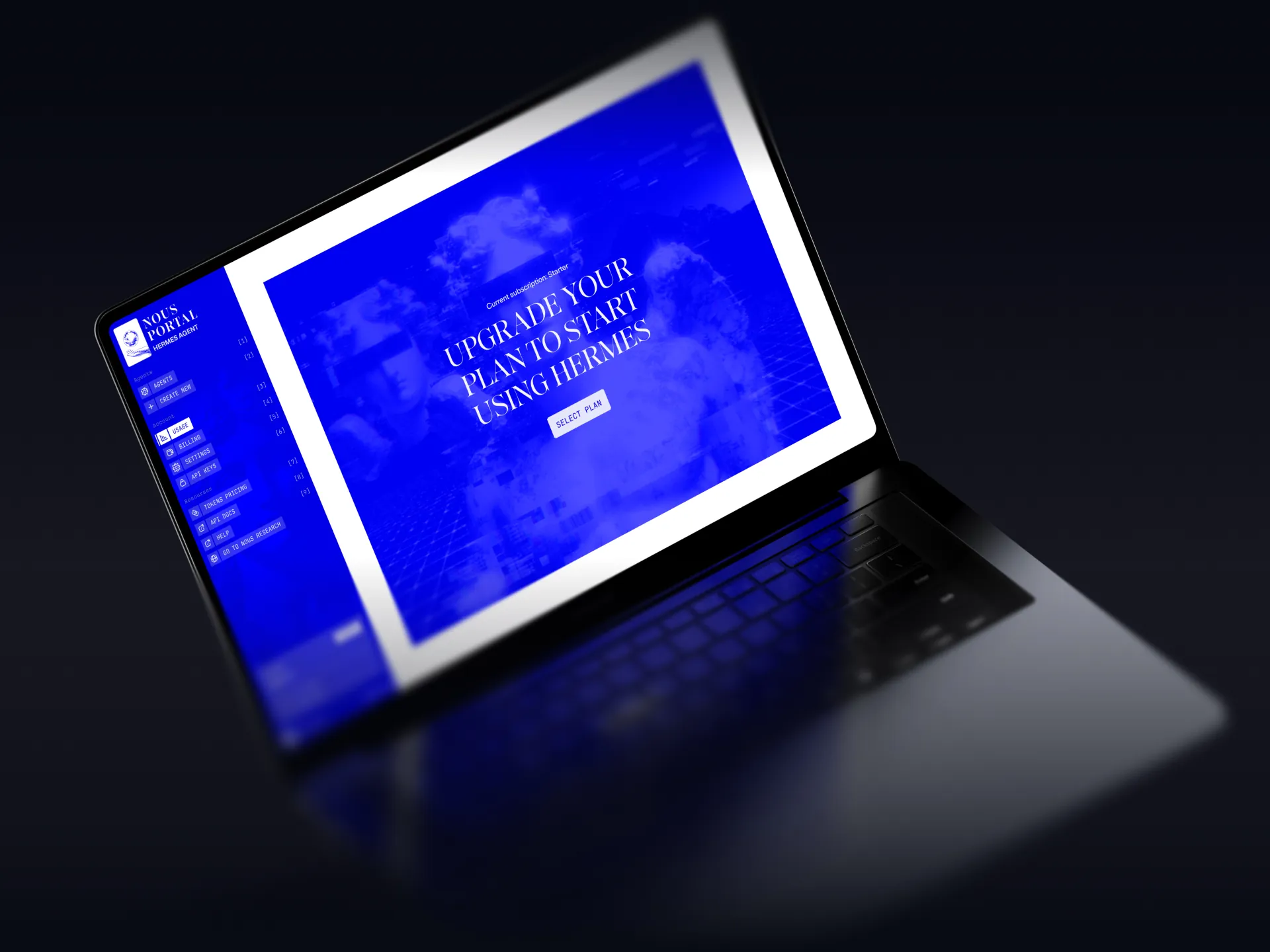
Usage on a laptop before a plan is active: an upgrade prompt to start using Hermes
On Starter, the usage page becomes an upgrade prompt
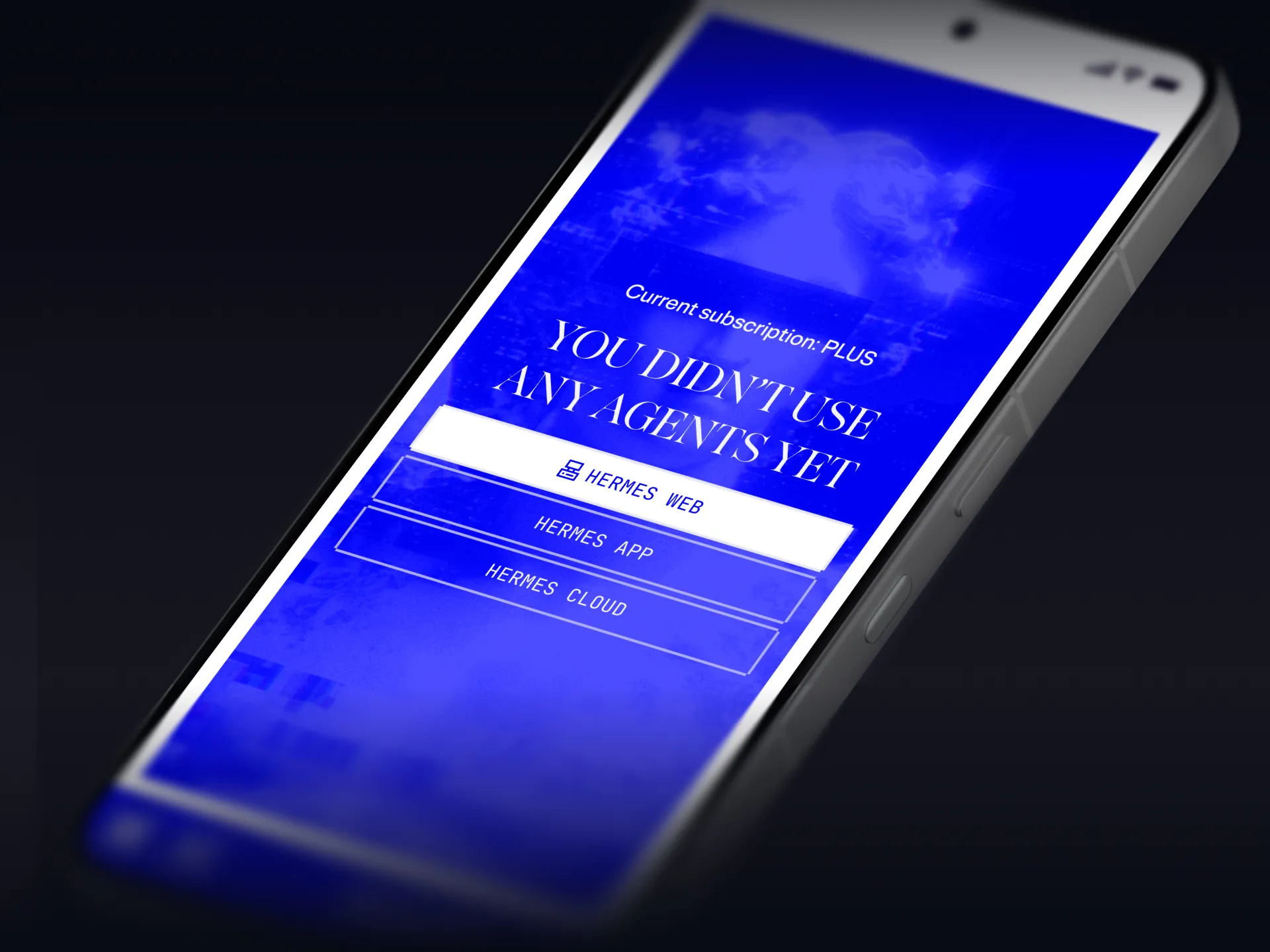
Usage on a phone with no agents yet, offering Hermes Web, Hermes App and Hermes Cloud
Empty state, before any agent is used

Billing

Your balance, top-ups, auto-refill and plan in one place.
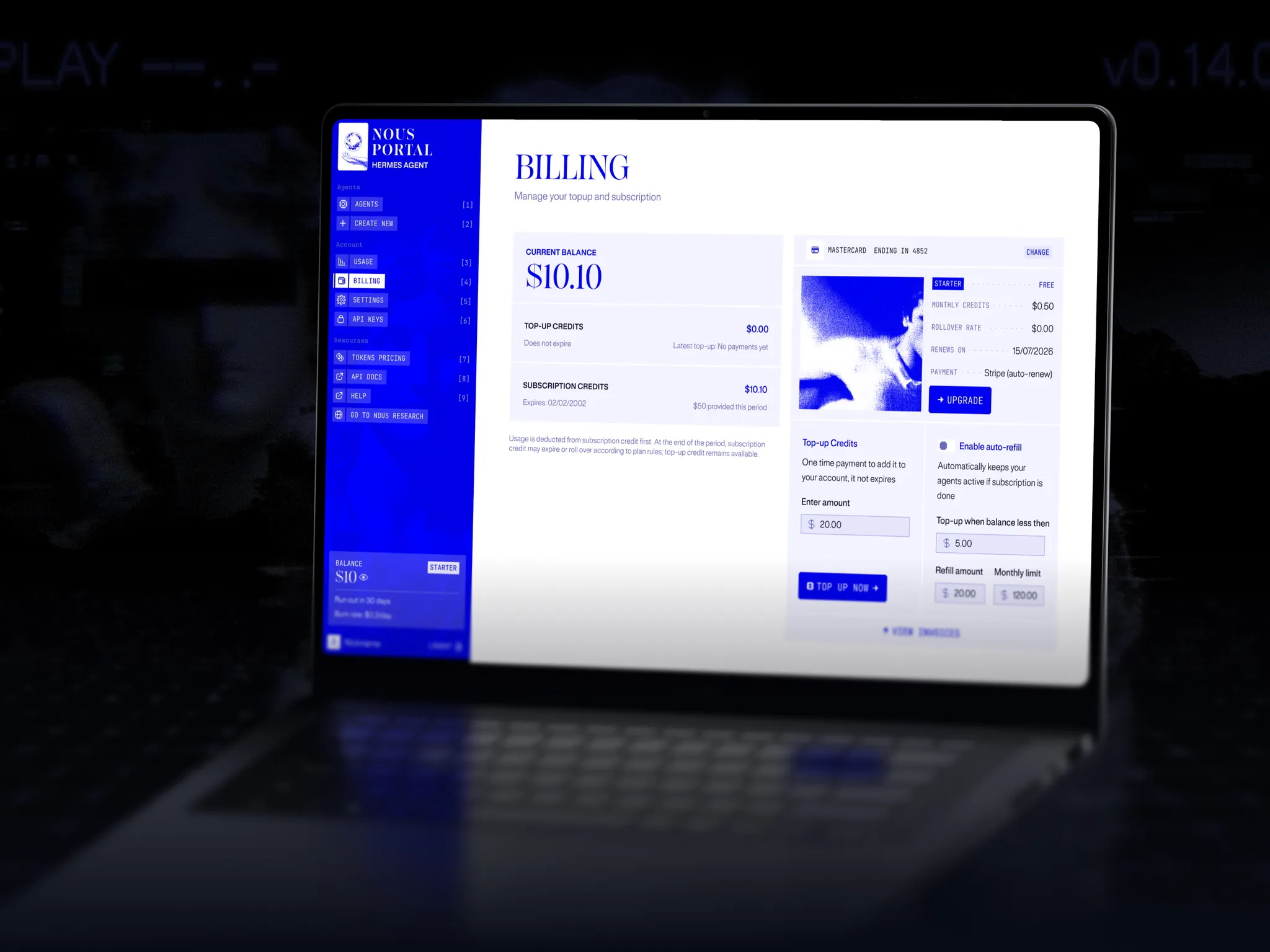
Nous Portal Billing on a laptop: current balance, top-up and subscription credits, plan card and automatic top-up
Top-up and subscription credits under one balance
A low balance topped up from $0.10 to $20.10
Four plans, from Try Hermes to Liberate Hermes

Settings

Sign-in methods and email preferences.
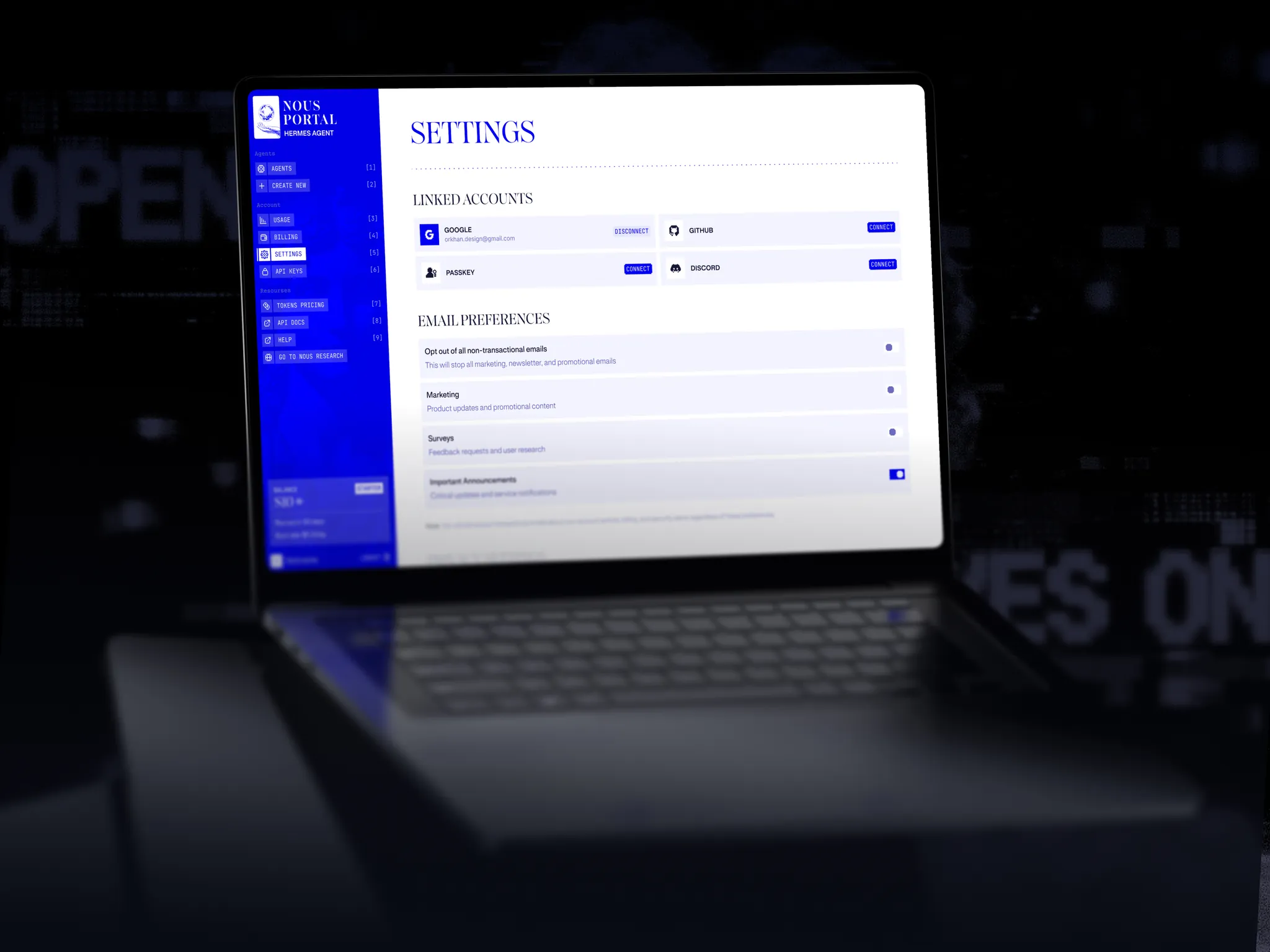
Nous Portal Settings on a laptop: linked accounts and email preferences
Google, GitHub, Discord or passkey sign-in, plus email toggles

Agents

Start, stop, recover and configure each agent, and connect it to Telegram.
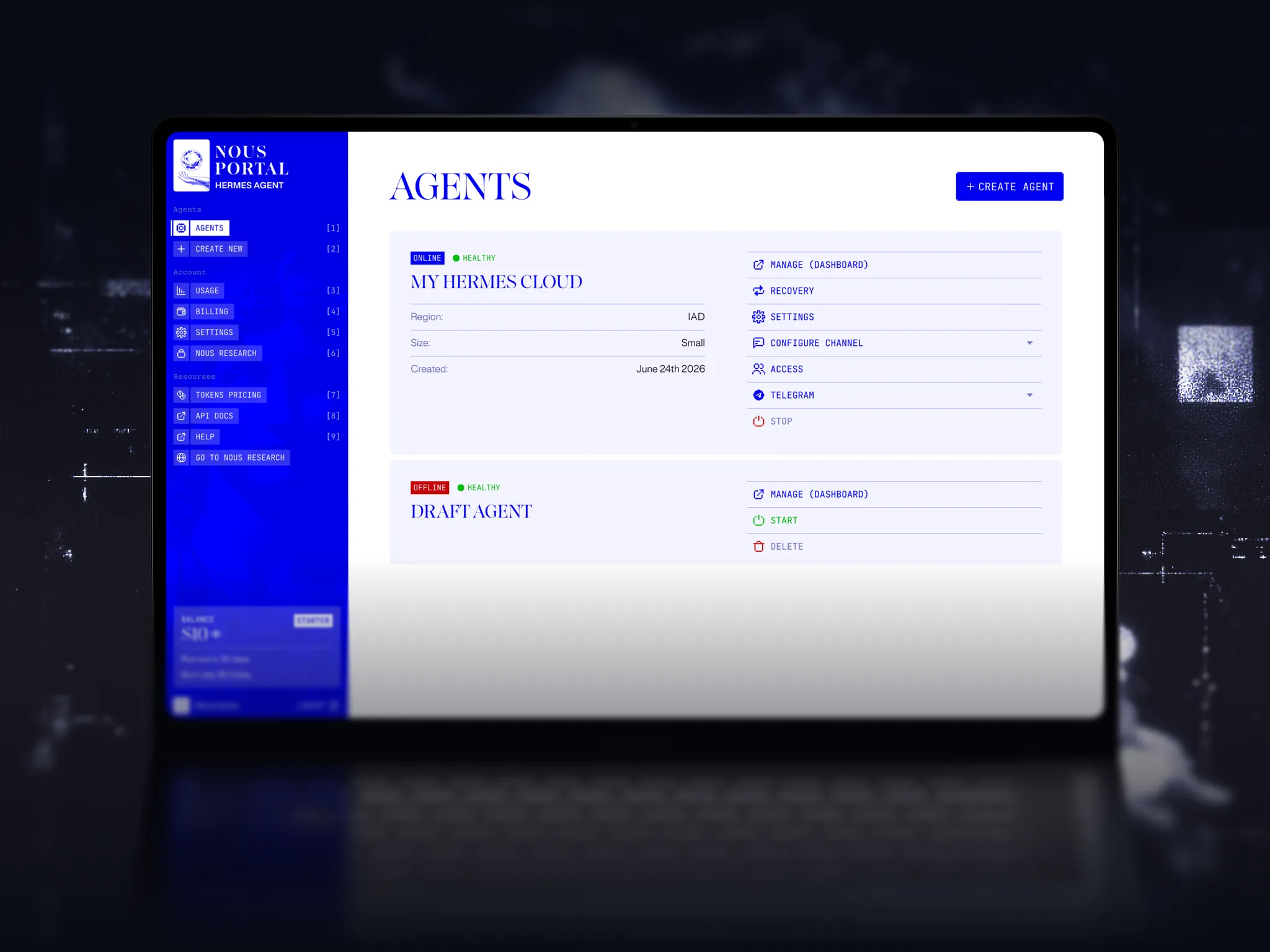
Agents on a laptop: an online Hermes Cloud instance with its controls, and a draft agent that can be started or deleted
Agents: one online, one draft waiting to start
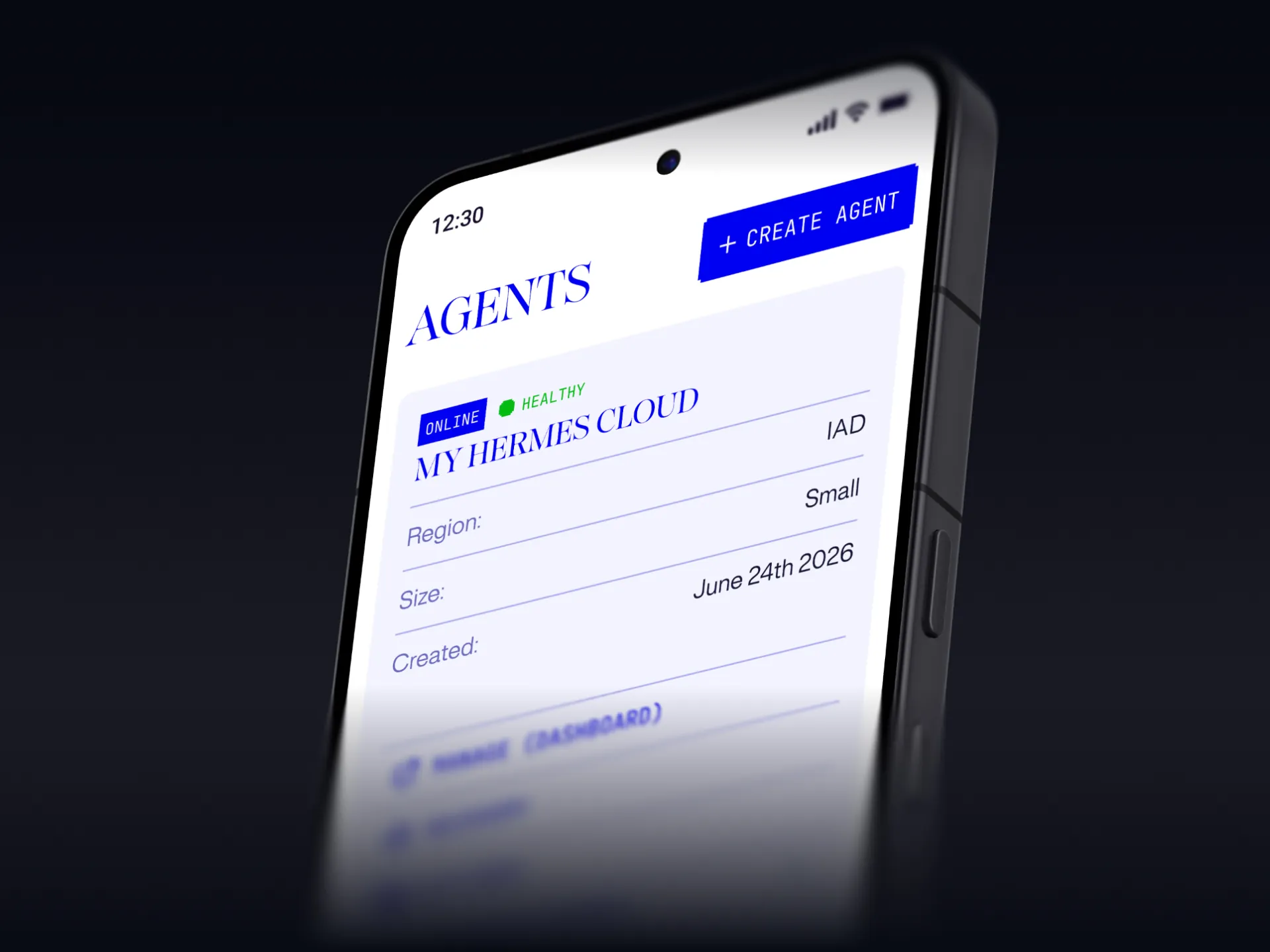
The Agents list on a phone: My Hermes Cloud, online and healthy, region IAD, size Small
The same agent card on mobile
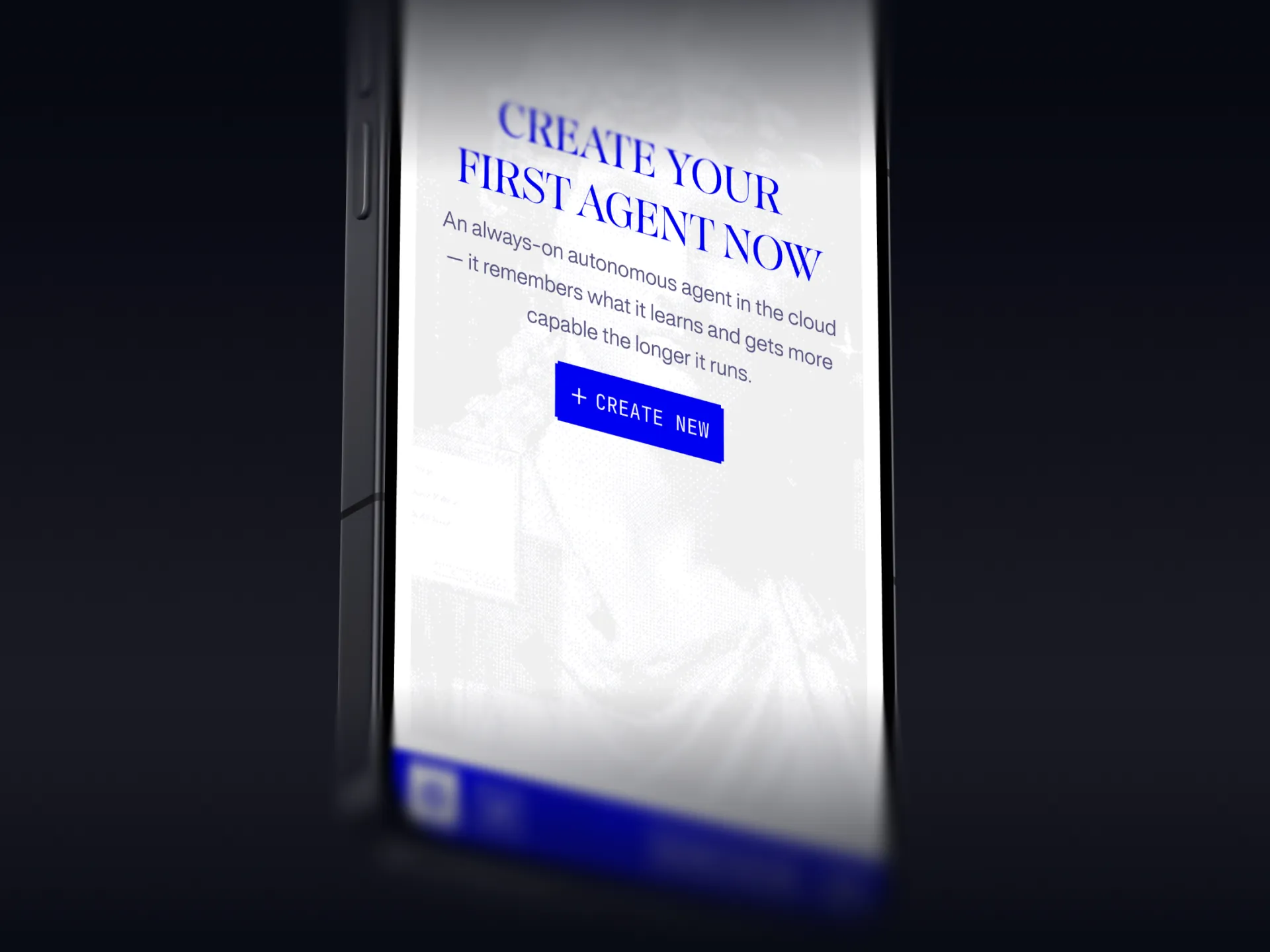
Empty state on a phone: create your first always-on agent in the cloud
Empty state: create your first agent

Deploy flow

Choose a region, model and size, wait for it to start, then chat.
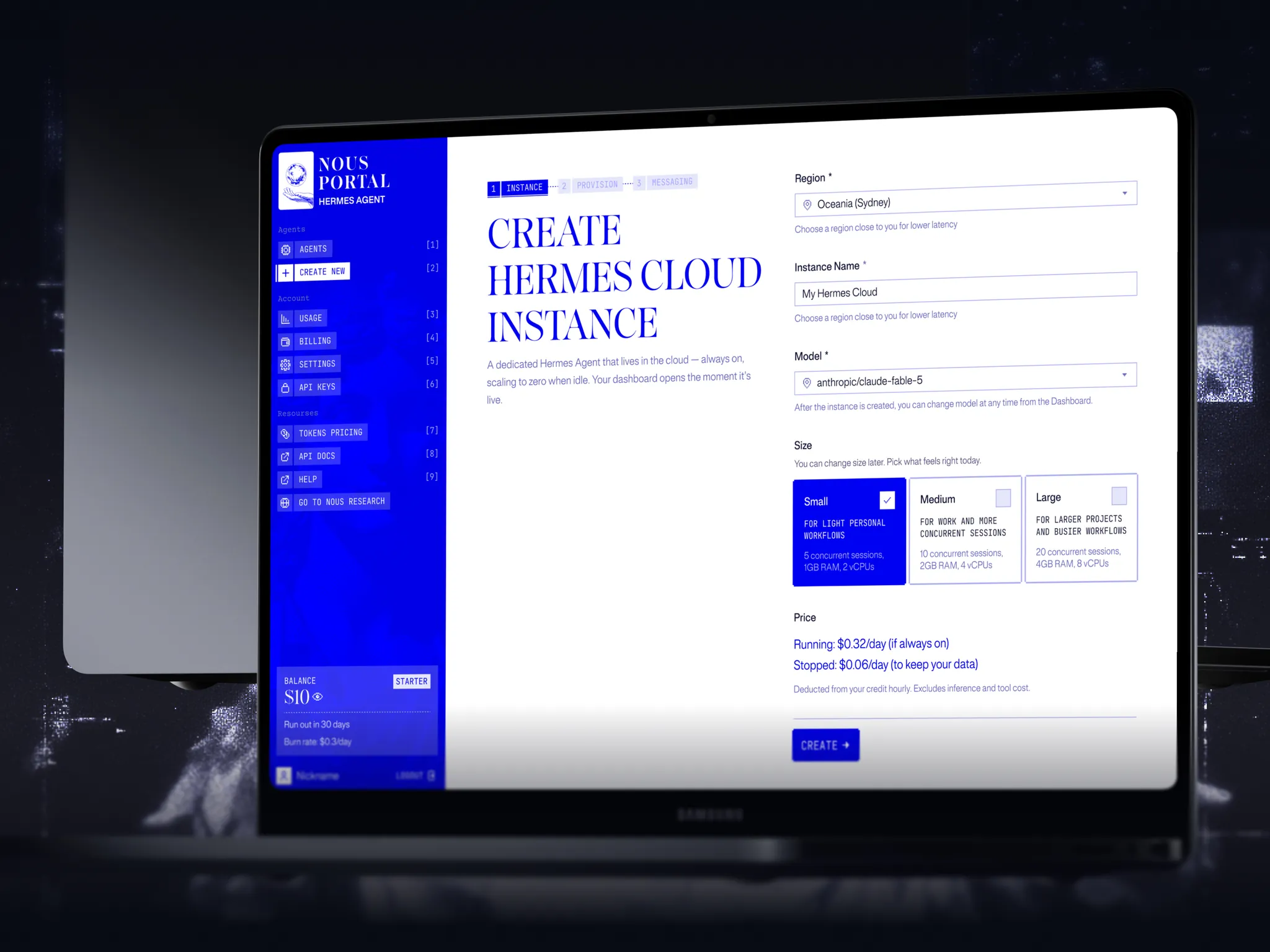
Create Hermes Cloud instance on a laptop: region, name, model, size and the daily price running or stopped
Step one: region, name, model and size, priced per day
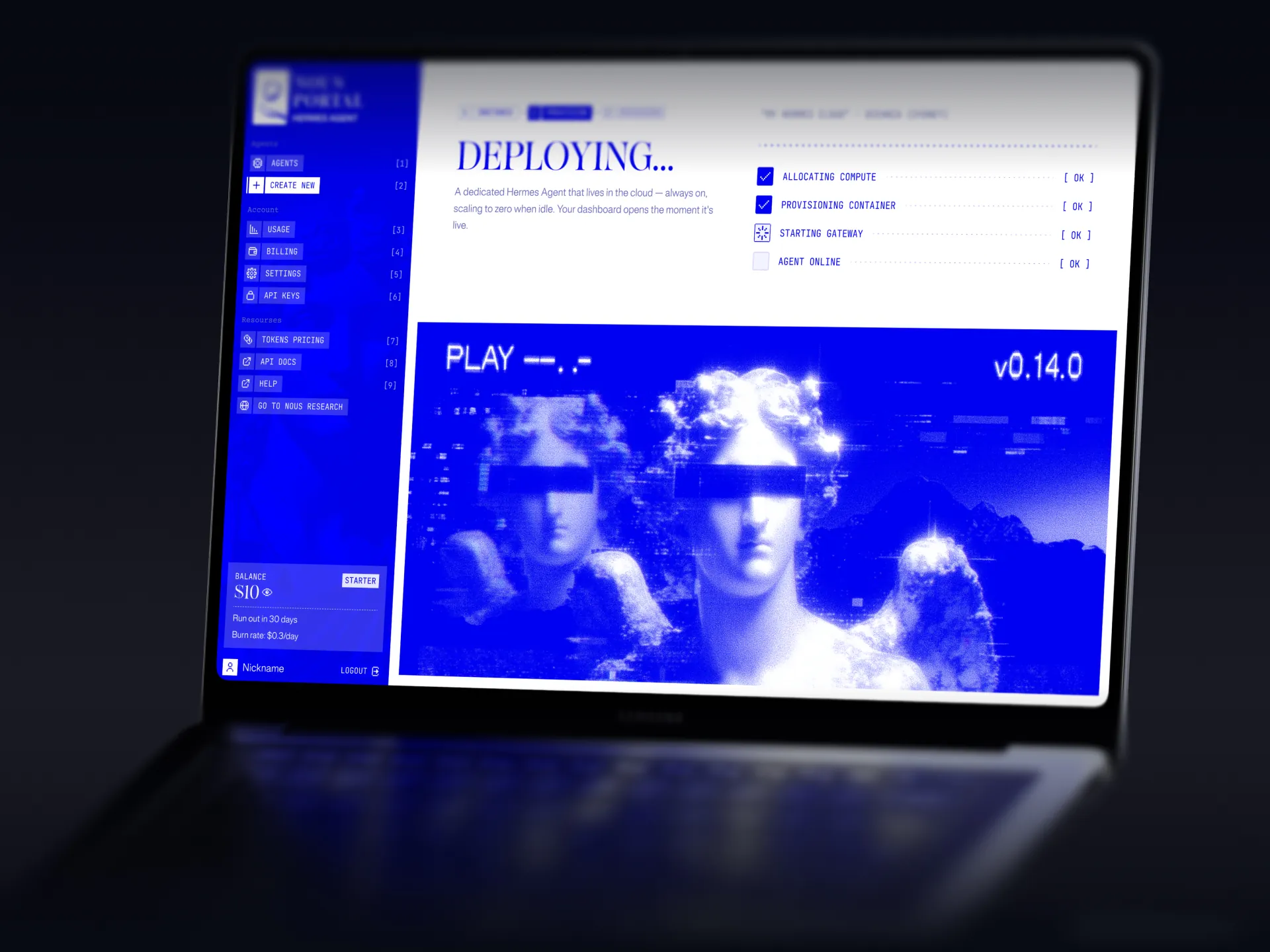
Deploying screen: allocating compute, provisioning the container, starting the gateway, agent online
Step two: compute, container, gateway, then online
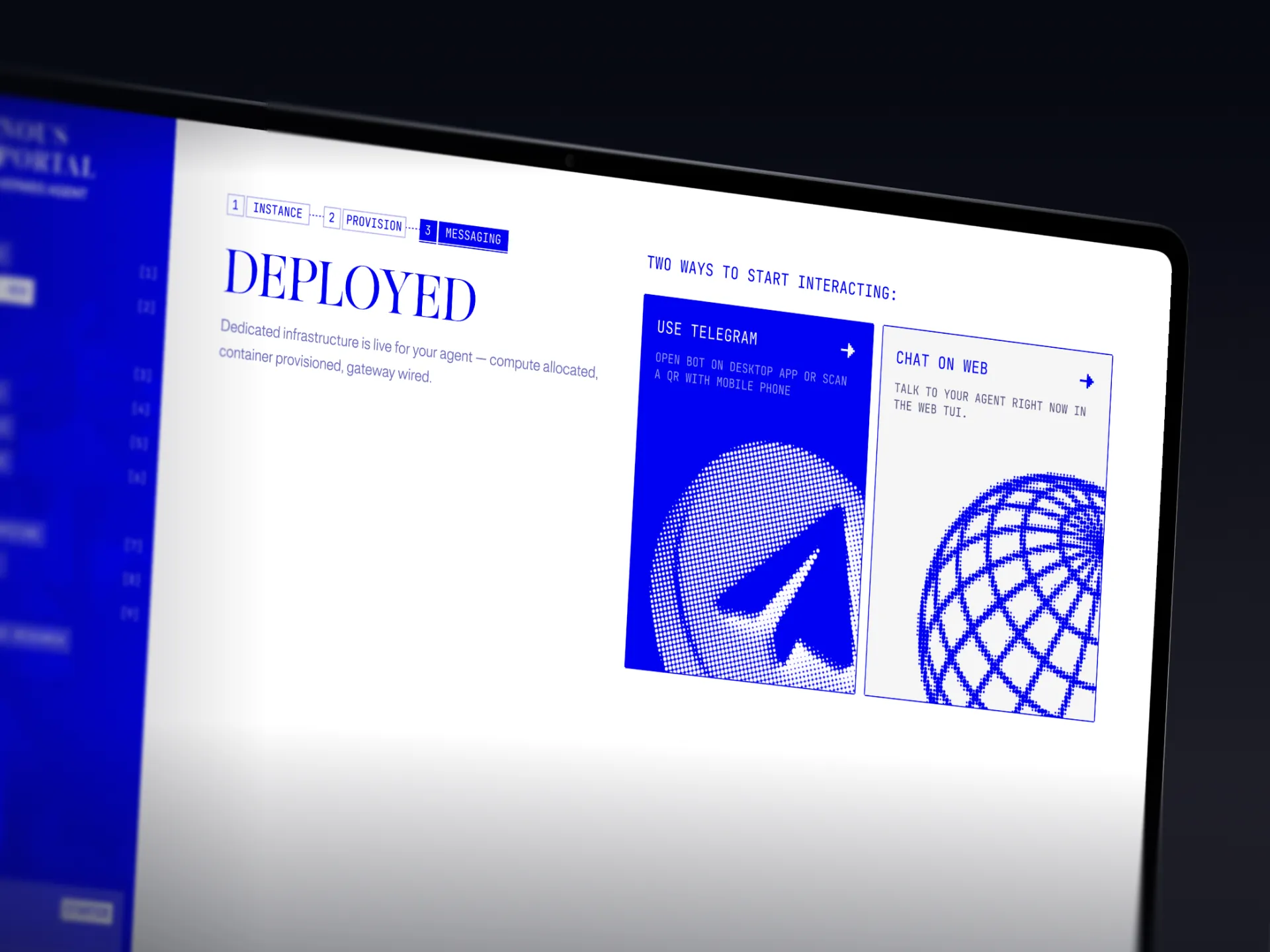
Deployed screen with two ways to start: Telegram or chat on the web
Step three: message it on Telegram or the web

API keys

Every key with its last use and spend, plus an example request.
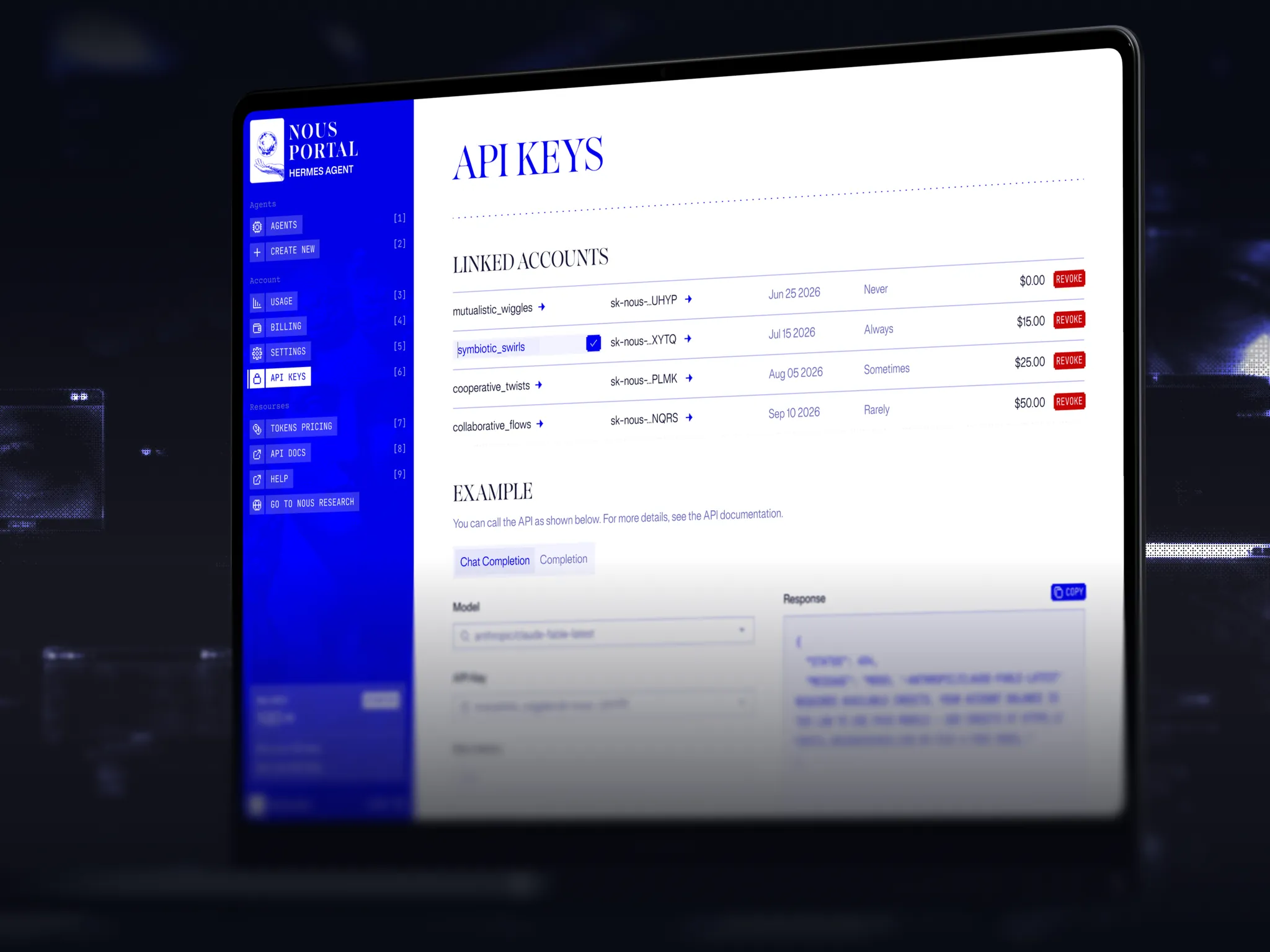
API keys on a laptop: keys with usage and revoke controls, and an example chat completions request
Spend per key, with an example request

Token pricing

What every model, embedding and tool costs, searchable by provider.
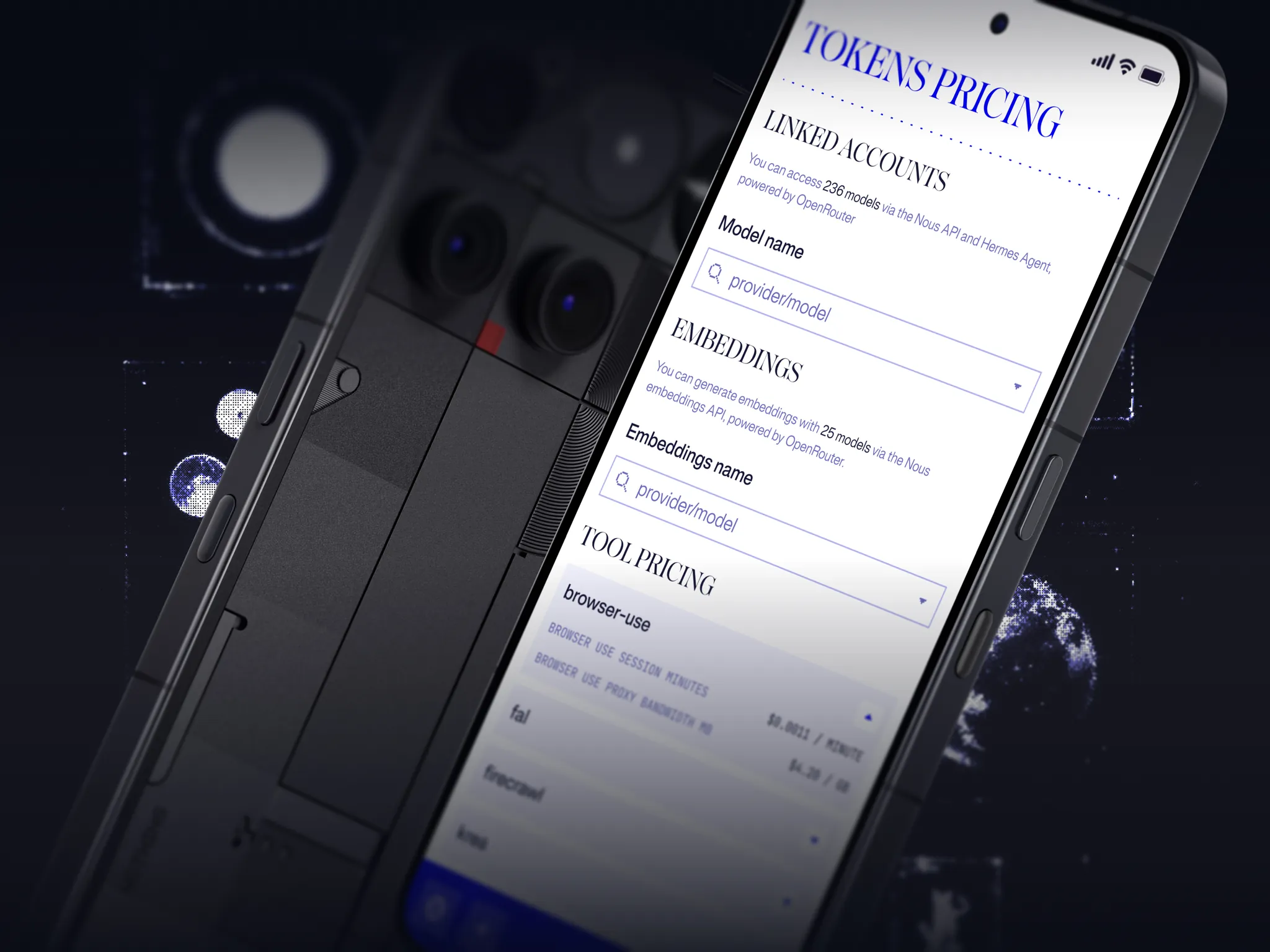
Tokens pricing on a phone: models, embeddings and tool pricing
Search 236 models by provider, plus embedding and tool prices

Summary

Live at portal.nousresearch.com. I designed the product and created the Nous design system from scratch.

4
platforms on one design system
3
steps to deploy an agent