ComfyUI
A cloud ComfyUI for teams: AI artists build the workflows, marketing teams run them from a chat
- Client
- ComfyUI
- Role
- Senior Product DesignerProduct designDesign system
- Year
- 2025
- Discipline
- Product DesignAI / ML InterfacesPrototyping

ComfyUI is the largest open-source generative AI platform, and its node system lets an artist build fully customizable workflows. Using it means keeping files on your own machine and remembering a file structure, which makes a workflow hard to share beyond the person who built it. The brief was to simplify ComfyUI and make it usable for cross-functional teams: AI artists keep building workflows in nodes, and marketing teams run them from a simple chat.
To simplify ComfyUI and make it usable across teams, not only by the artist who builds the workflow.
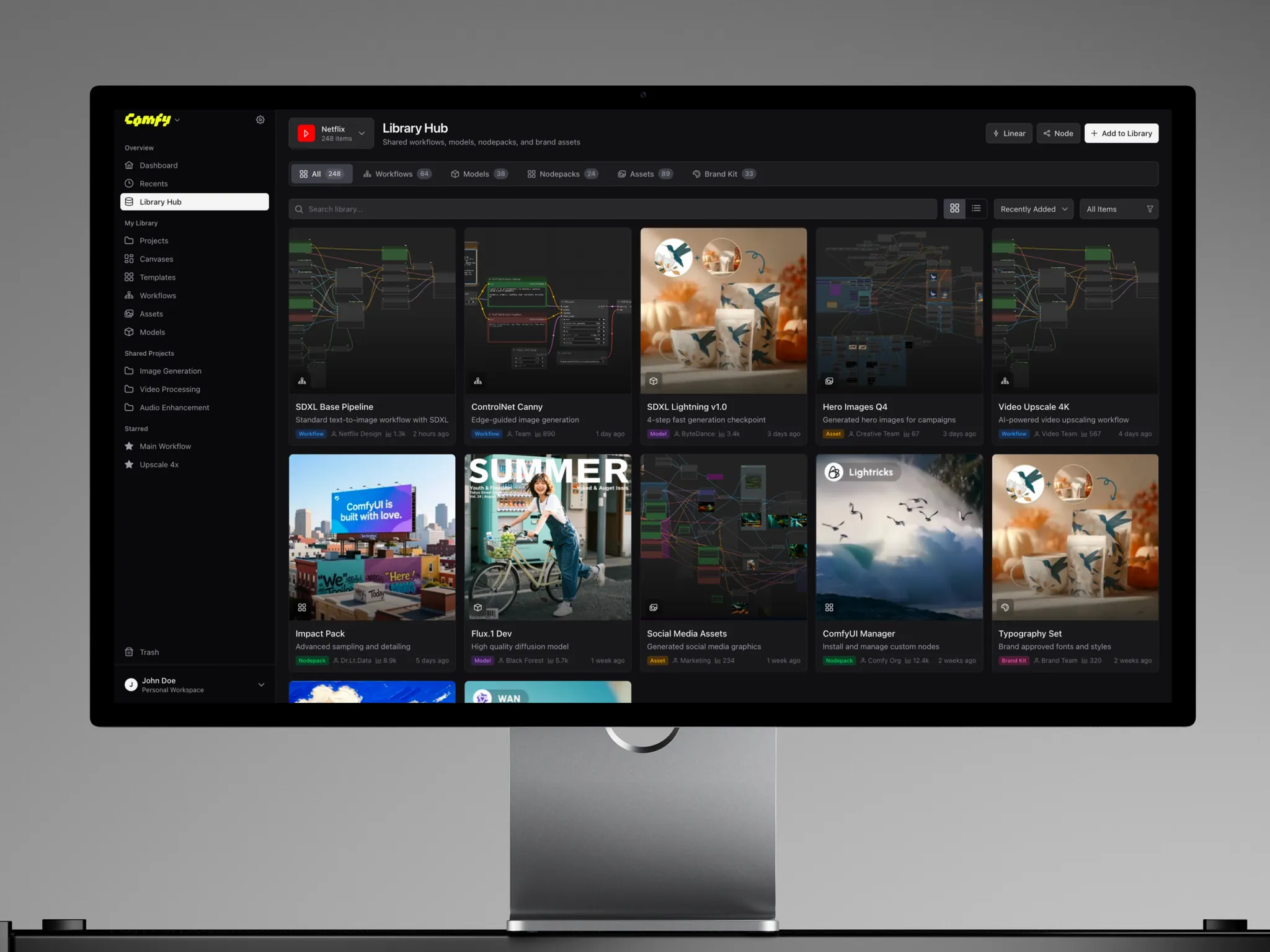
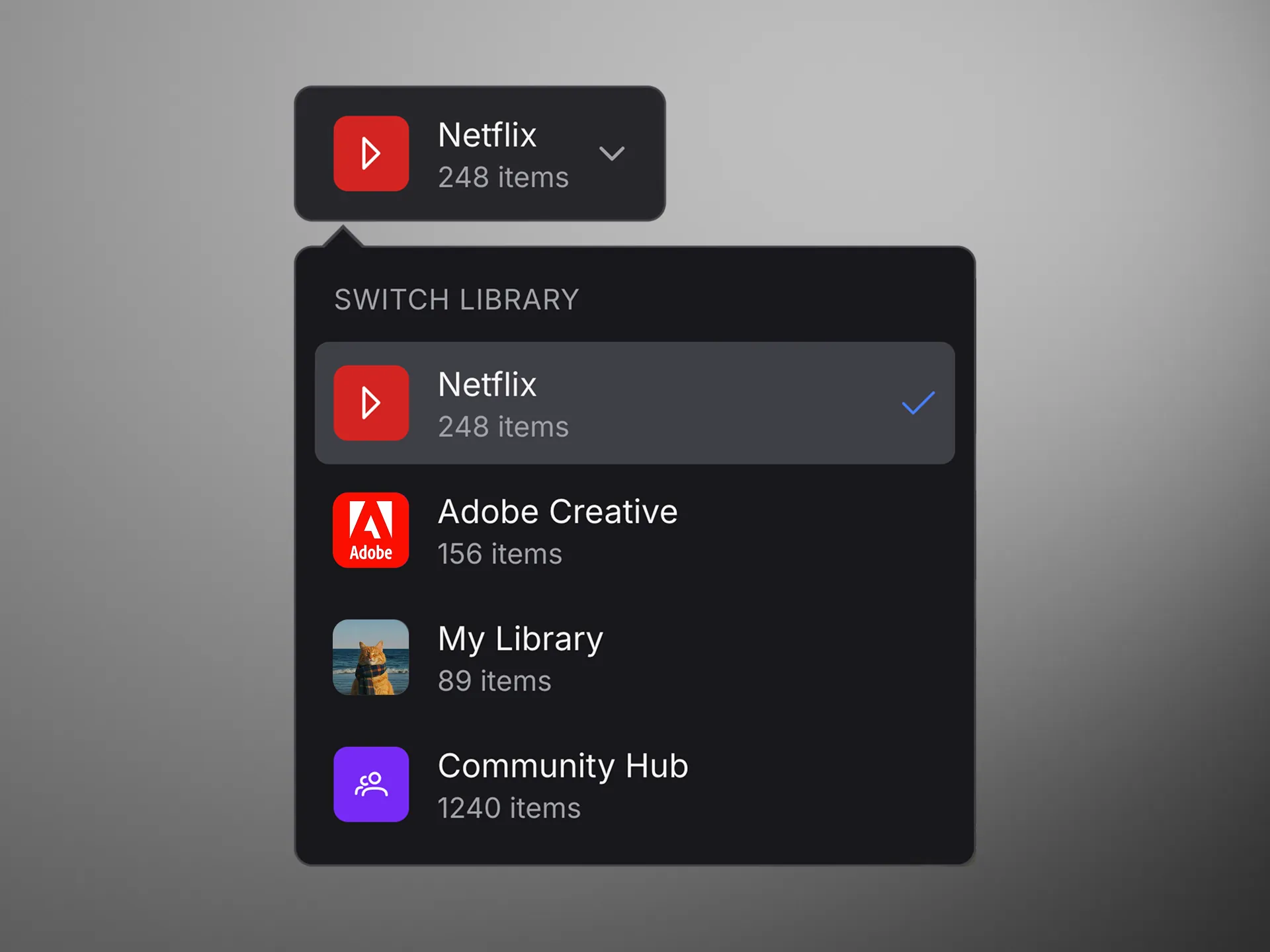
1. A cloud version of ComfyUI, so files, models and workflows are shared instead of kept locally. 2. Workflows made by AI artists, run by marketing teams through a simple chat. 3. One team library for workflows, models, nodepacks, assets and brand kits, with roles that set who can edit what.
Workflows
AI artists build the workflow in nodes, and marketing teams run it from a chat without having to open the graph.
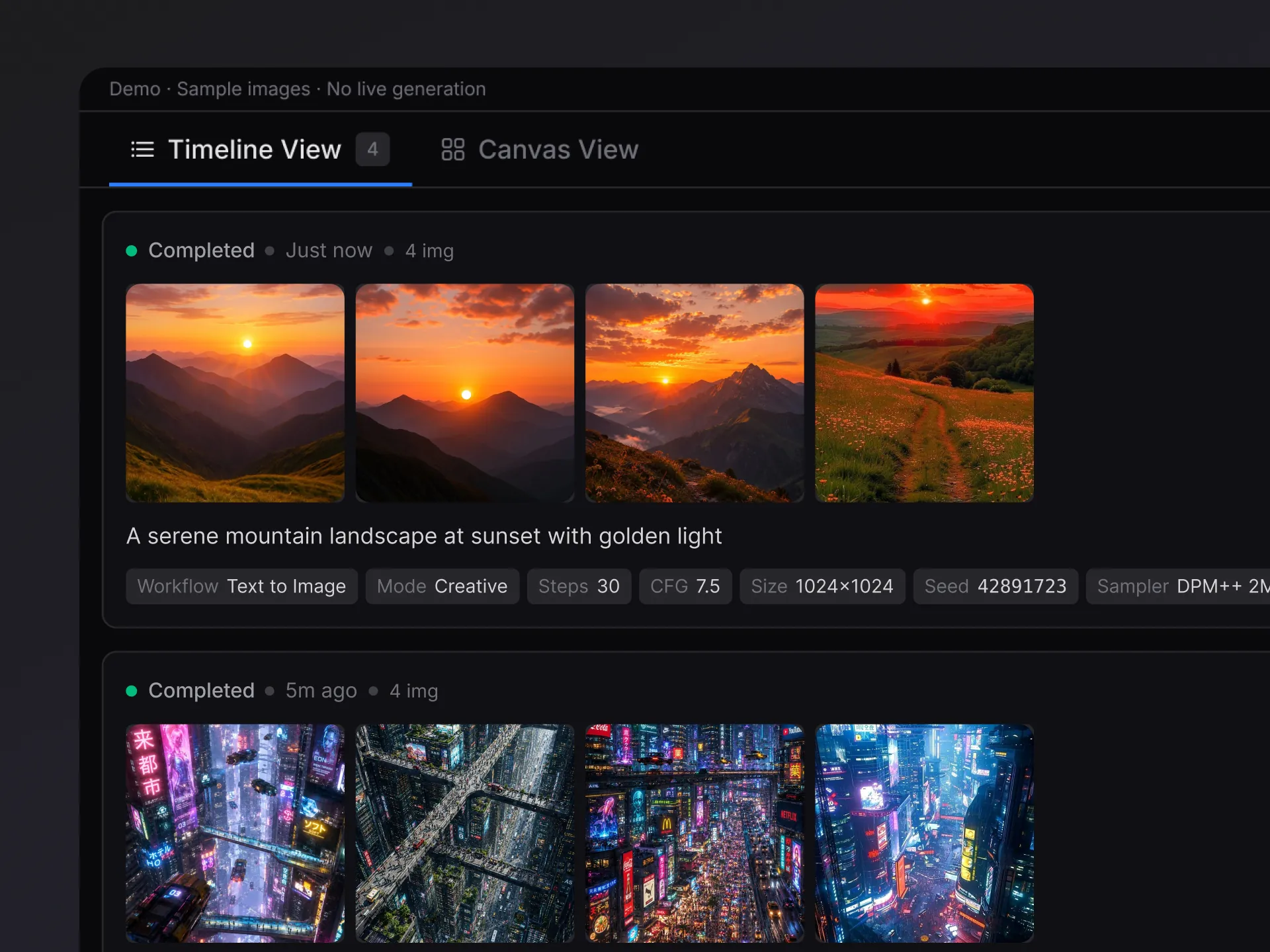
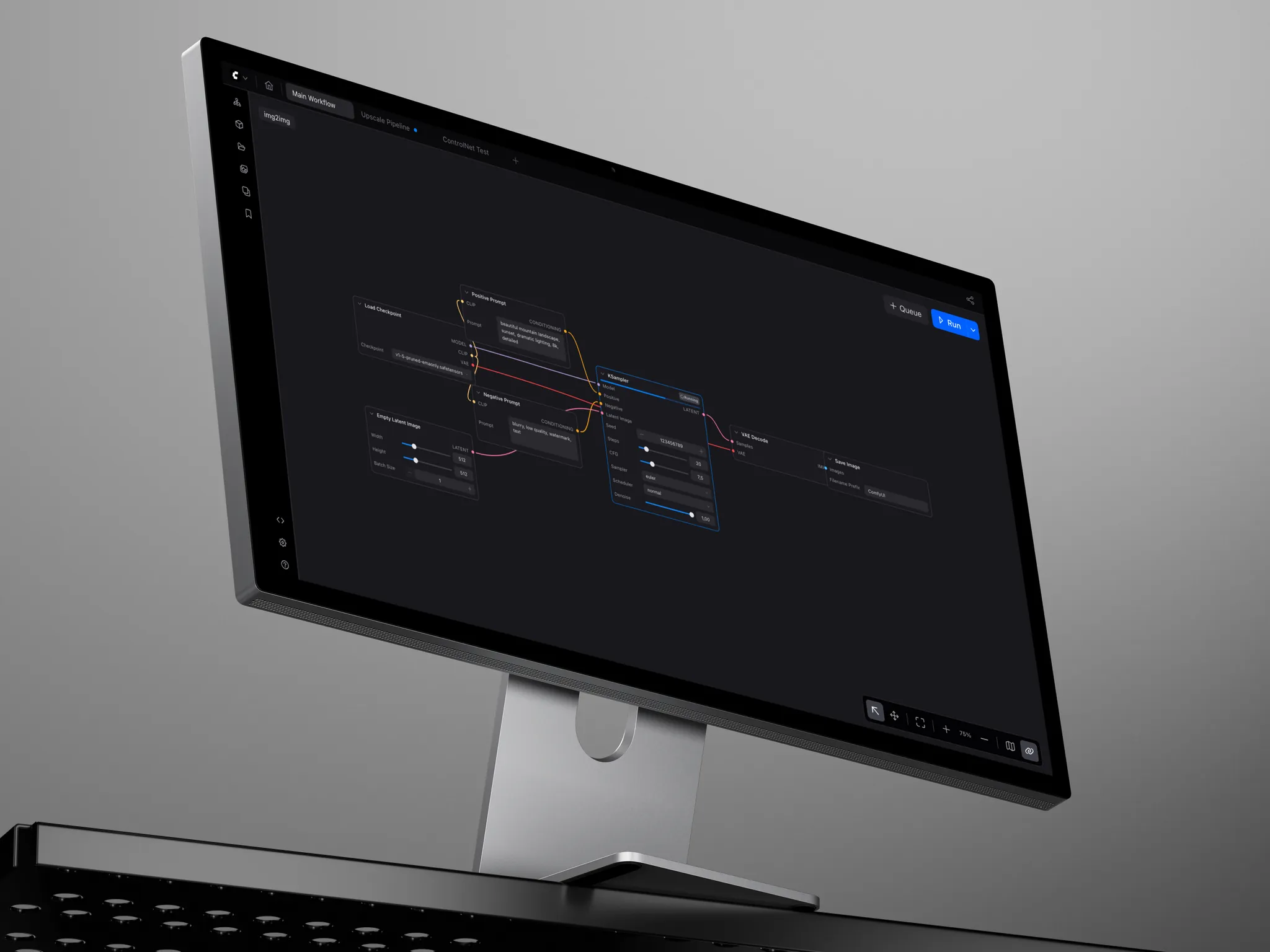
Workspace
No files to keep locally and no folder structure to remember: projects, canvases and models live in one place.
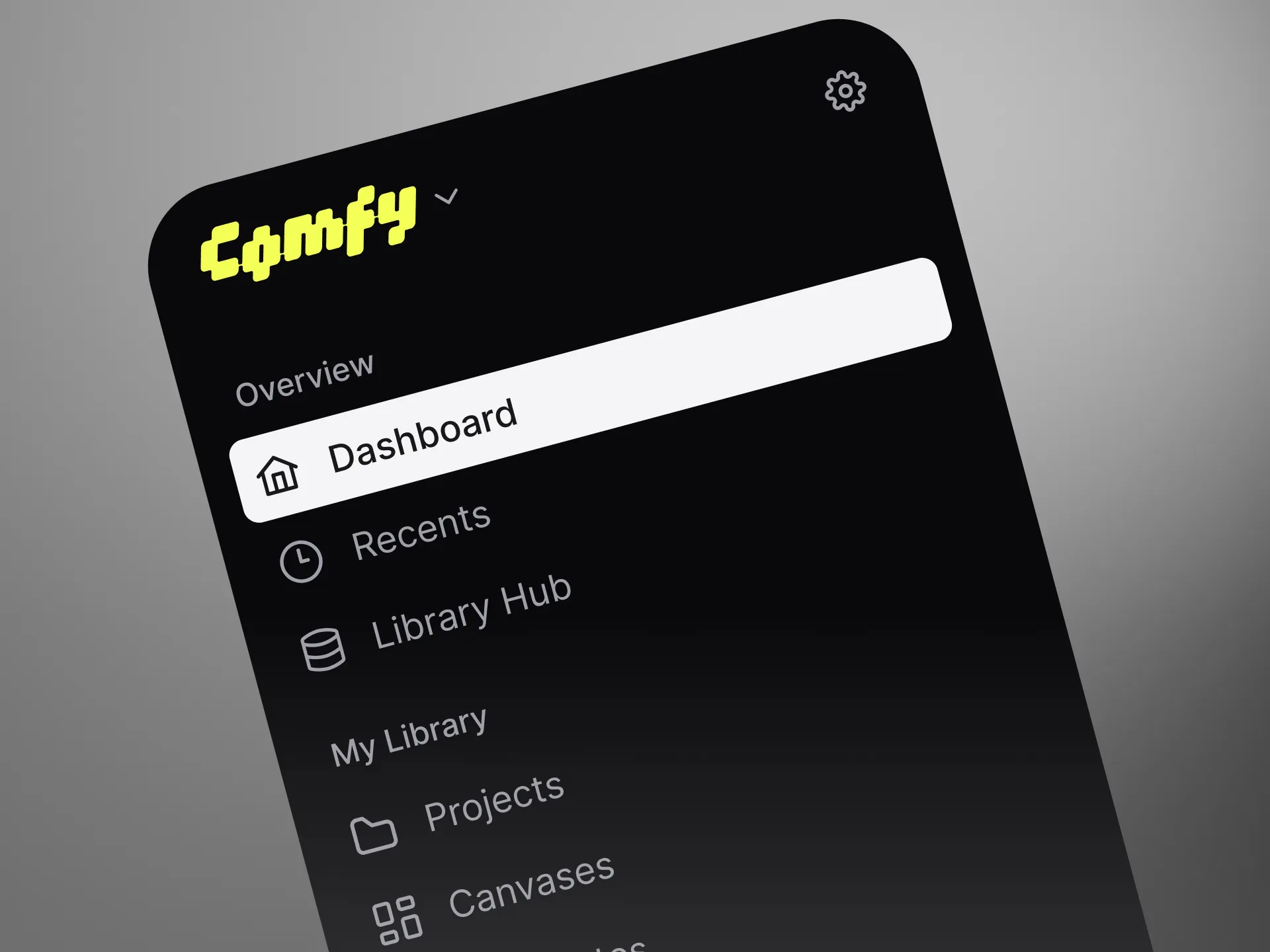
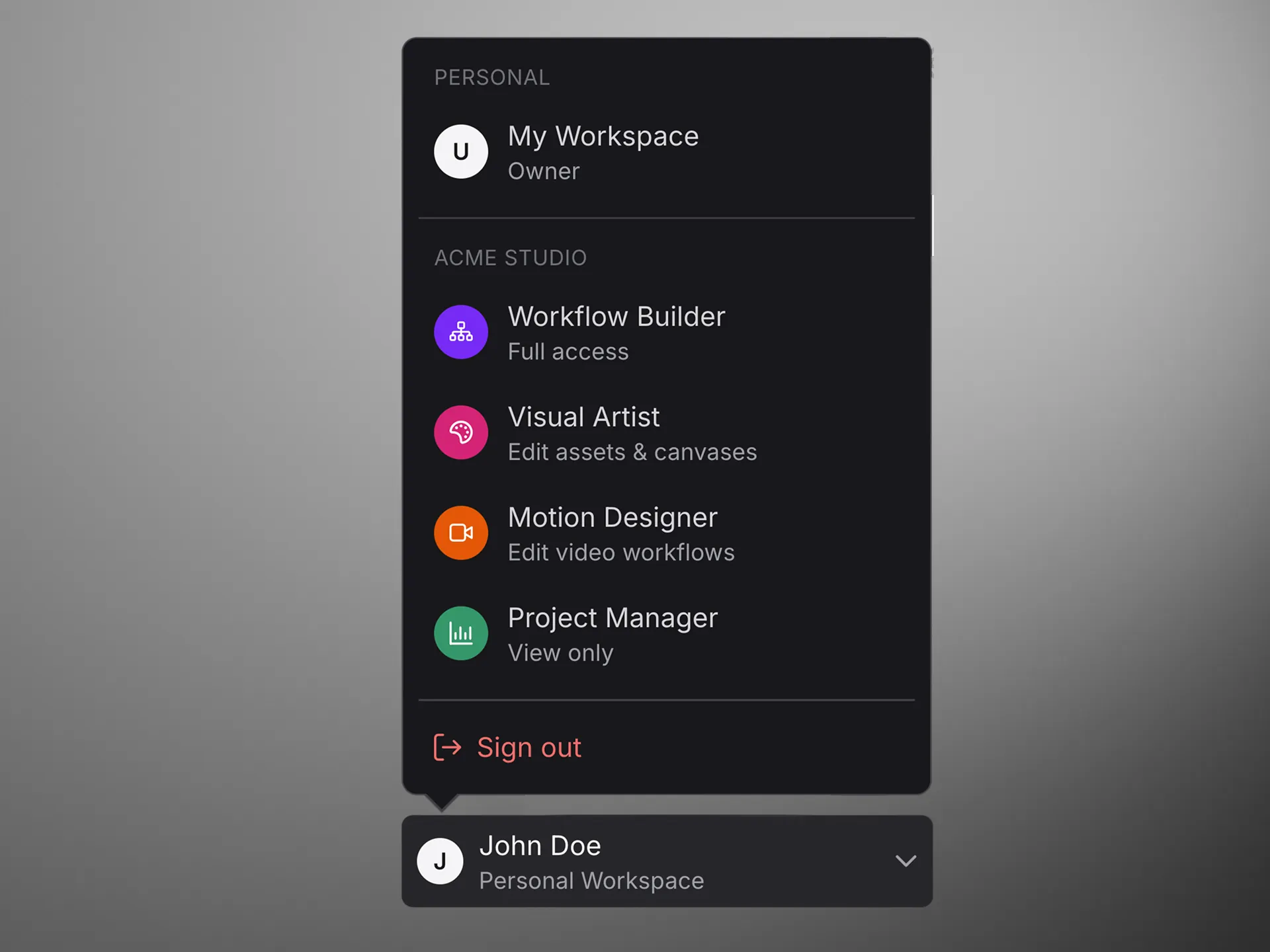
Team library
Workflows, models, nodepacks and brand assets are saved in the cloud, so the whole team works from the same set.
Summary
The design for a cloud version of ComfyUI for mixed teams: AI artists build workflows in nodes, marketing teams run them through a simple chat, and workflows, models, nodepacks and brand assets sit in one shared library instead of on a local drive.